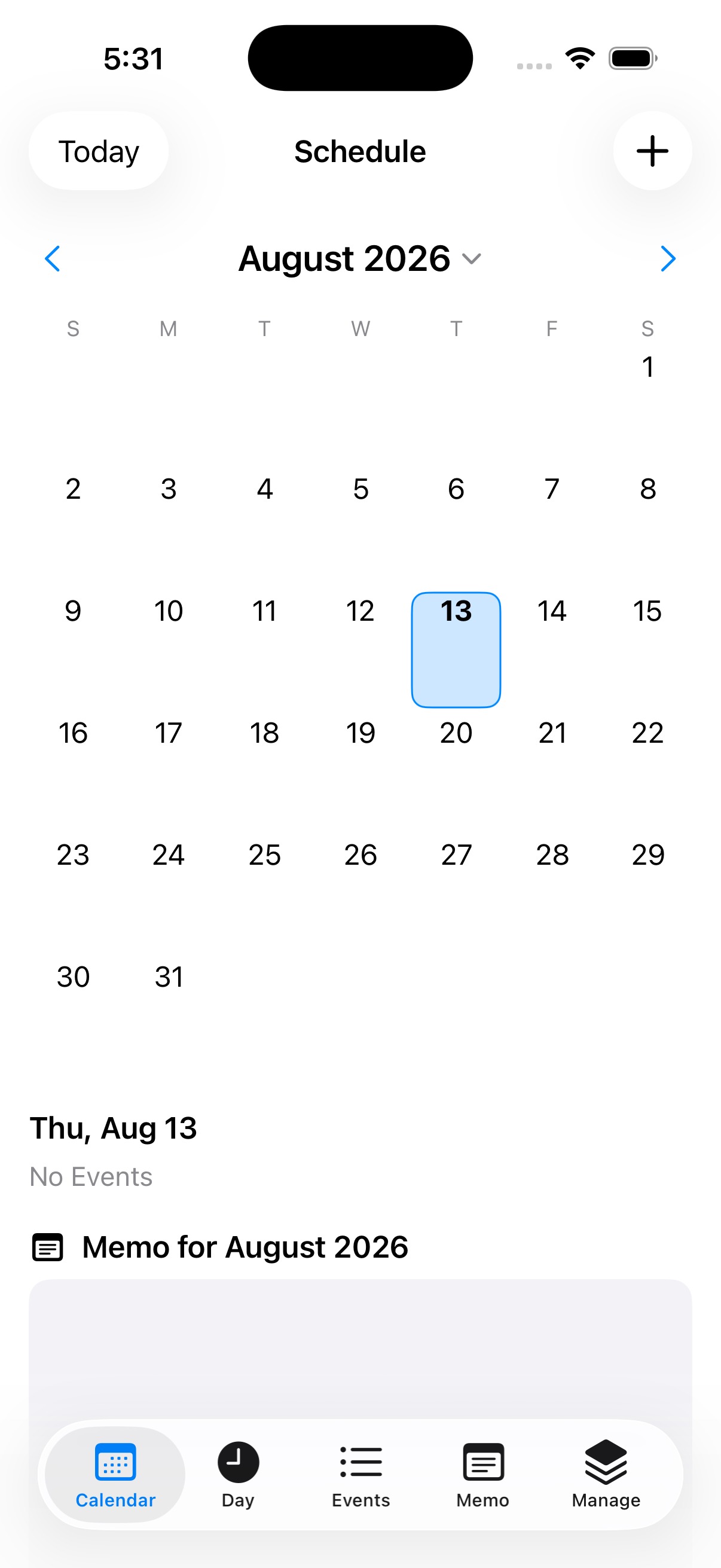
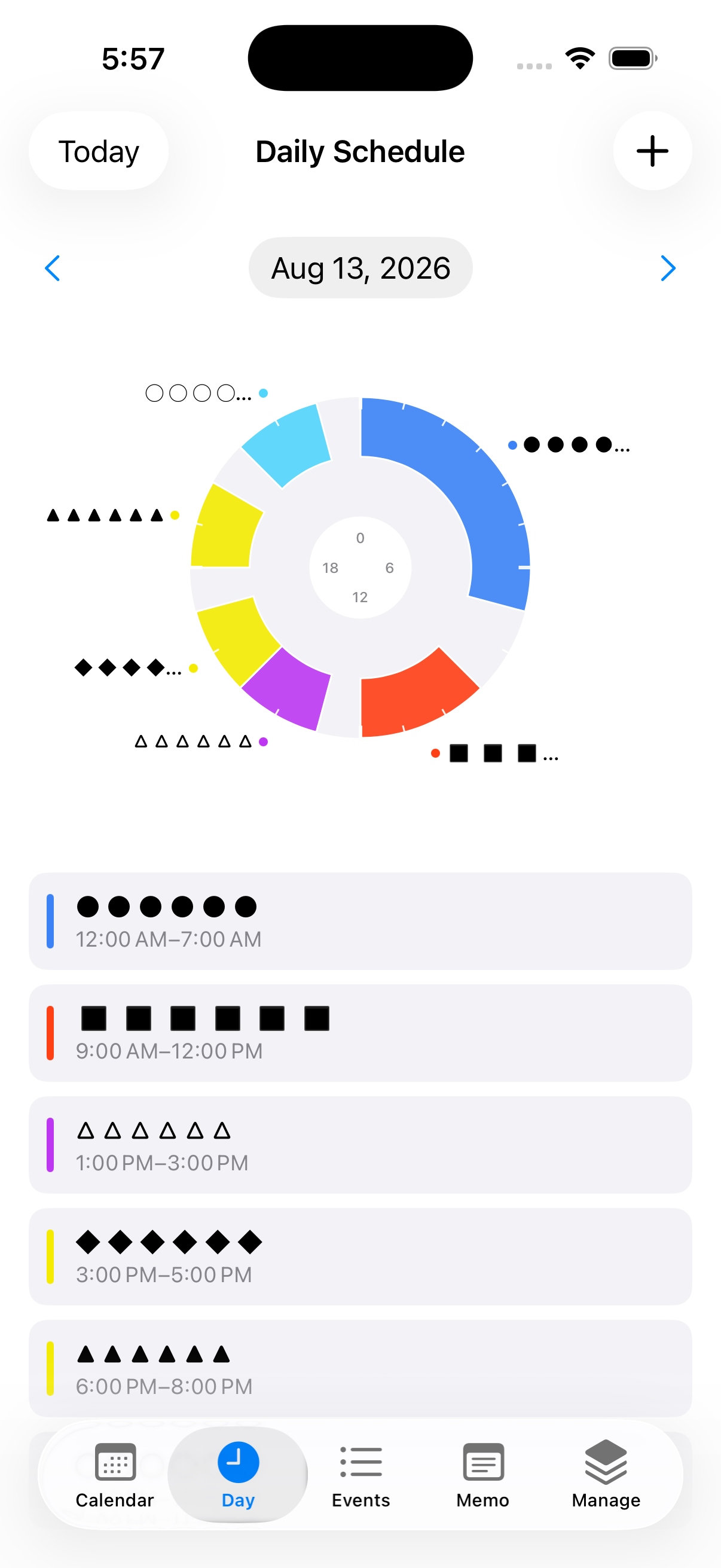
between a monthly calendar view and a daily view that displays your schedule as a pie chart.
Time zones can be set for individual events, with local times displayed alongside.
Create complex recurring schedules, such as "the last weekday of every month" or "the second-to-last weekend every two months."
Use iCloud synchronization to safeguard data and restore it when switching devices or reinstalling the app.
Integrate with the iOS Calendar app for two-way syncing.
Google Calendar integration is also supported.
In addition to a standard notepad, you can write memos at the monthly, daily, and event-specific levels.
With a little creativity, you can even use it as a diary.
Beyond standard options like "same day," "1 day before," or "2 days before," you can customize notifications for any specific date and time.
Premium Plan (Monthly Subscription) Benefits: